Pikmin Bloom

Web Experience Redesign

Pikmin Bloom

Web Experience Redesign

Project Type:

Responsive Web Redesign

Role:

End-to-end Product Design (Solo)

Platform:

Responsive Web (Desktop, Tablet, Mobile)

Duration:

6 Weeks

Project Type:

Responsive Web Redesign

Role:

End-to-end Product Design (Solo)

Platform:

Responsive Web (Desktop, Tablet, Mobile)

Duration:

6 Weeks

Overview

Improving content clarity and user flow through structured layout and visual hierarchy.

This project improves the Pikmin Bloom website by clarifying its information hierarchy and restructuring content to better match user intent. The redesigned layout helps users quickly understand how the product works, reducing cognitive friction and improving overall scannability.

Current State Analysis

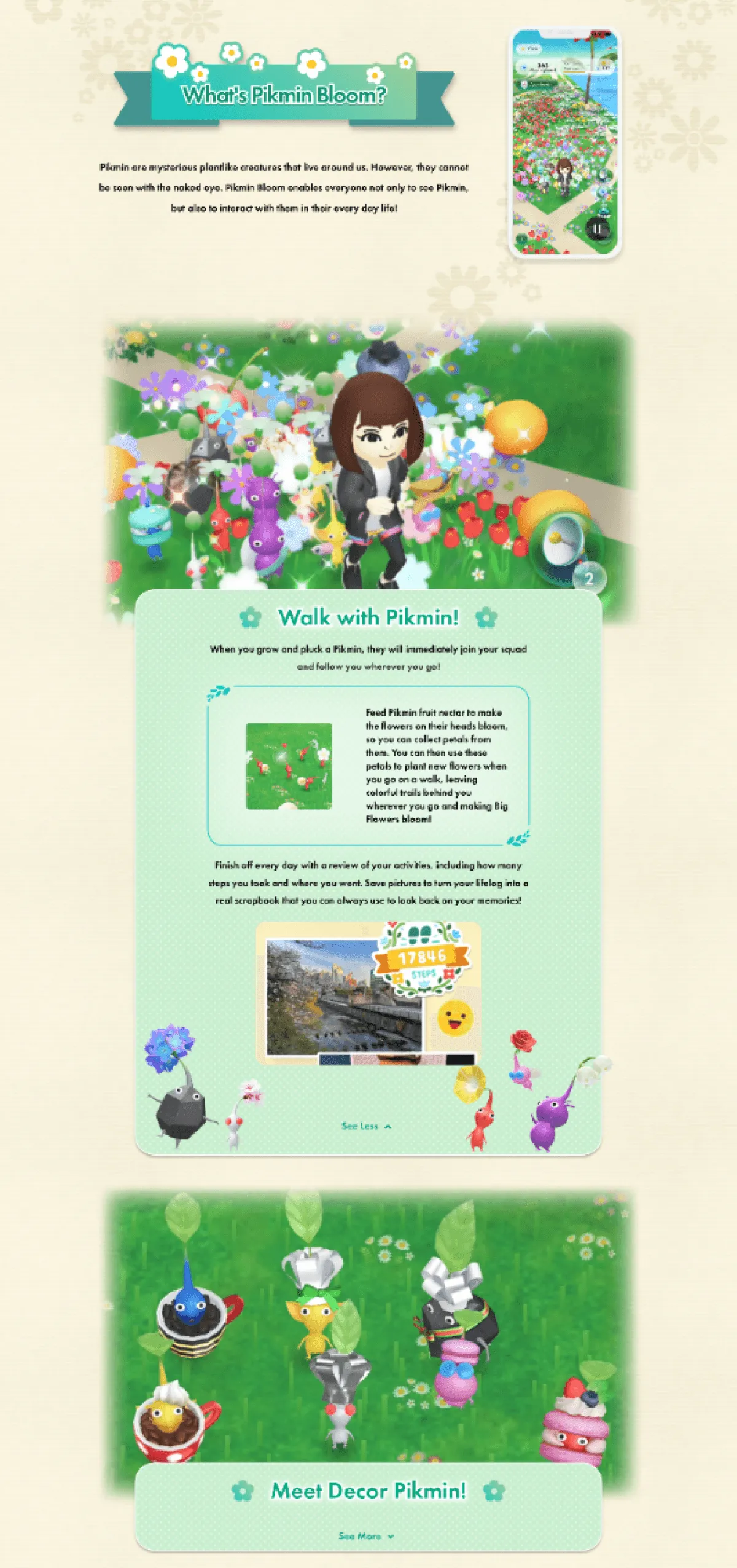
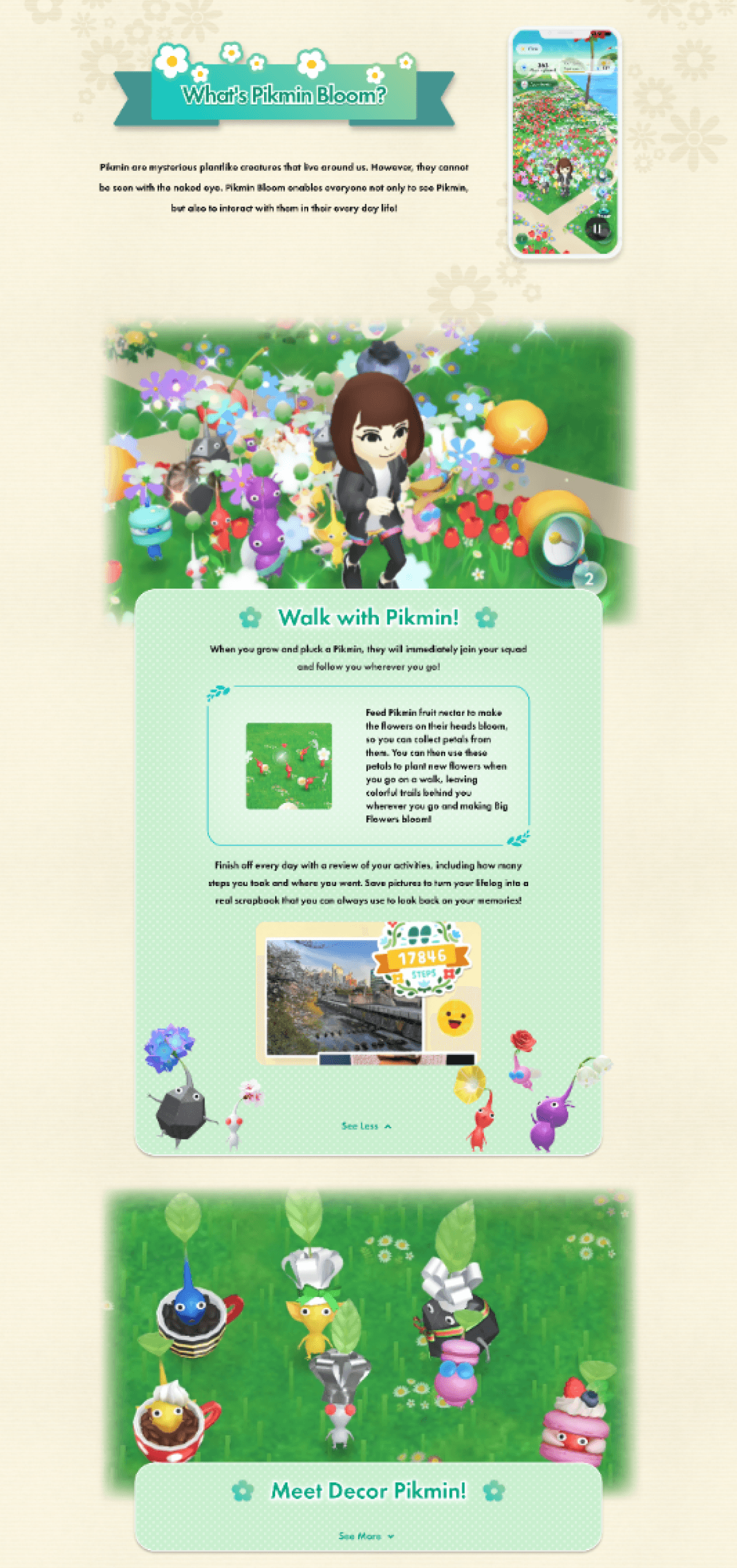
I analyzed the existing Pikmin Bloom website to identify clarity, structure, and usability issues across key pages. By analyzing how content is organized and presented, it reveals key usability issues that prevent users from understanding the product and its features.
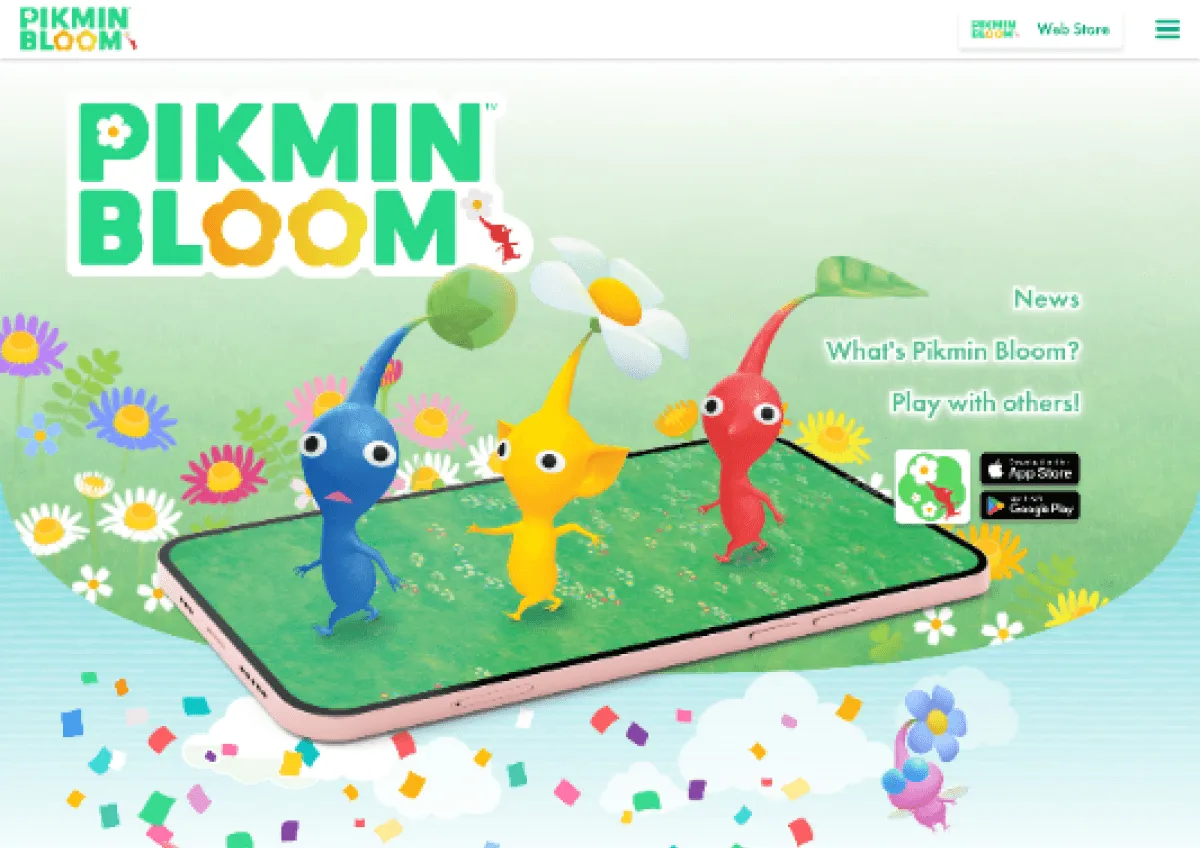
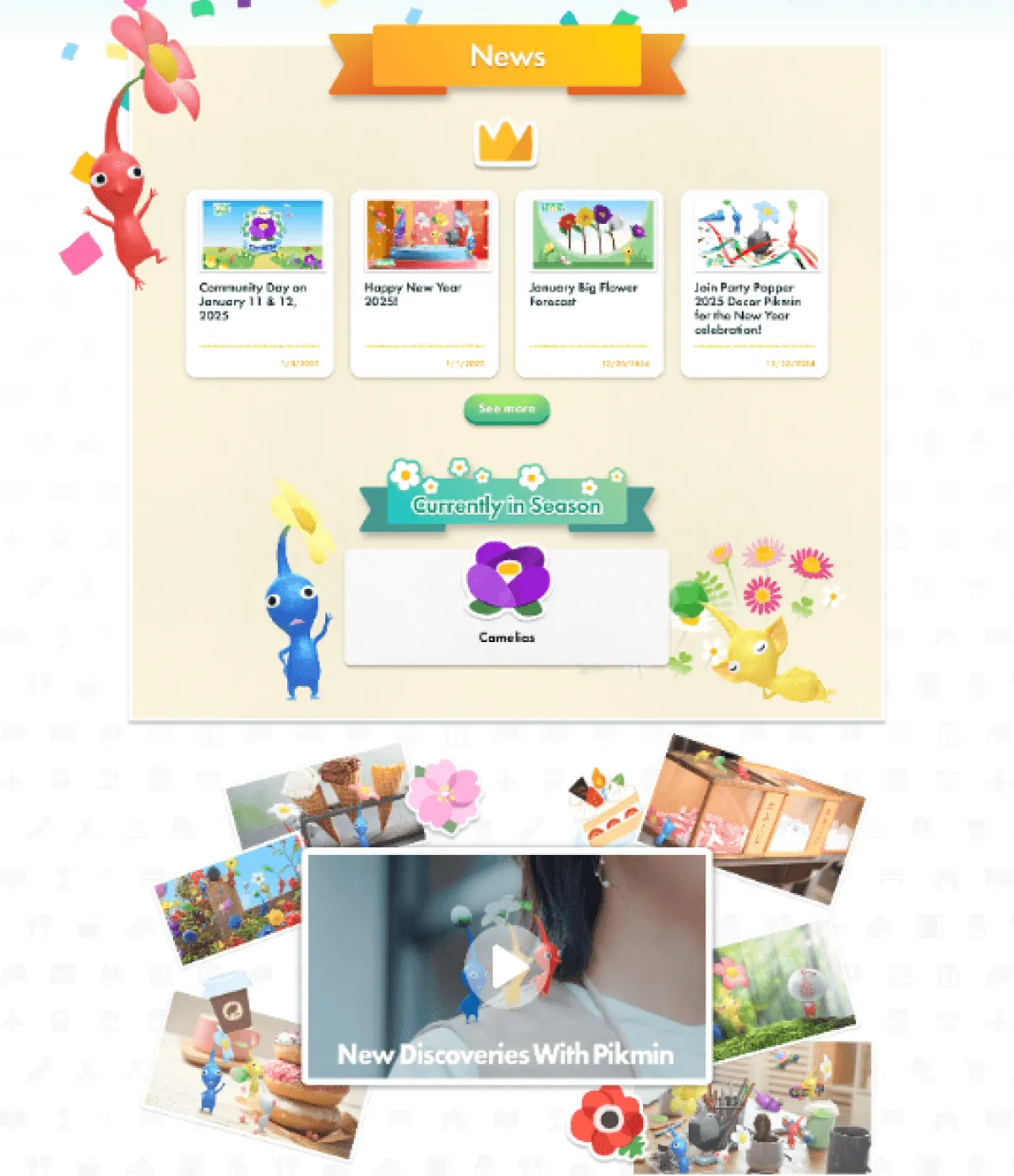
Although visually rich, the feature introduction section lacks a clear hierarchy, making it difficult for users to quickly grasp key information. Key information is hidden behind expandable boxes, slowing down users’ ability to understand the product at a glance.

Content relies heavily on interaction (e.g., expandable elements), increasing effort and reducing scannability.

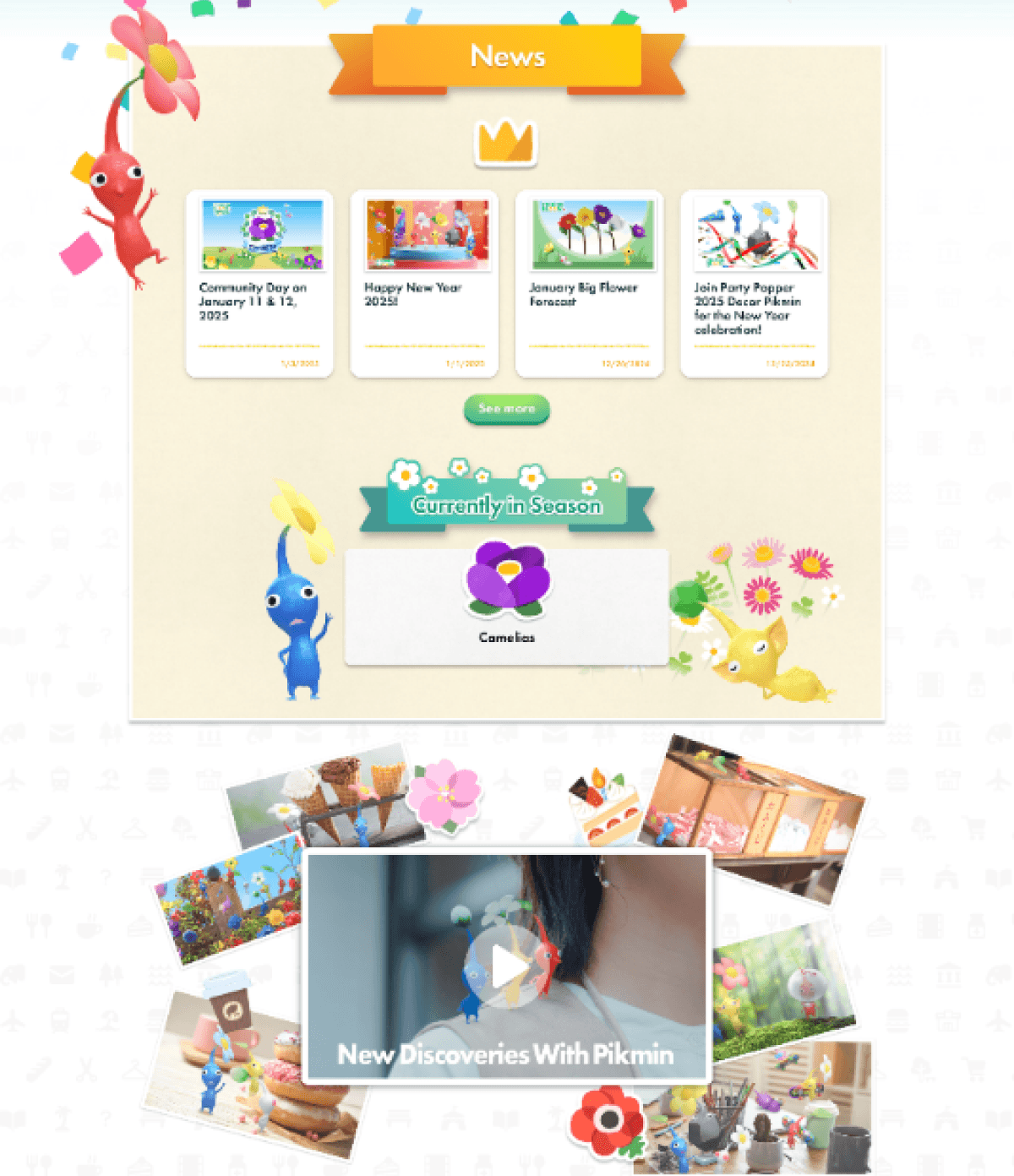
Seasonal content and news appear before the product explanation. This introduces information before users understand the product, causing confusion for first-time visitors.

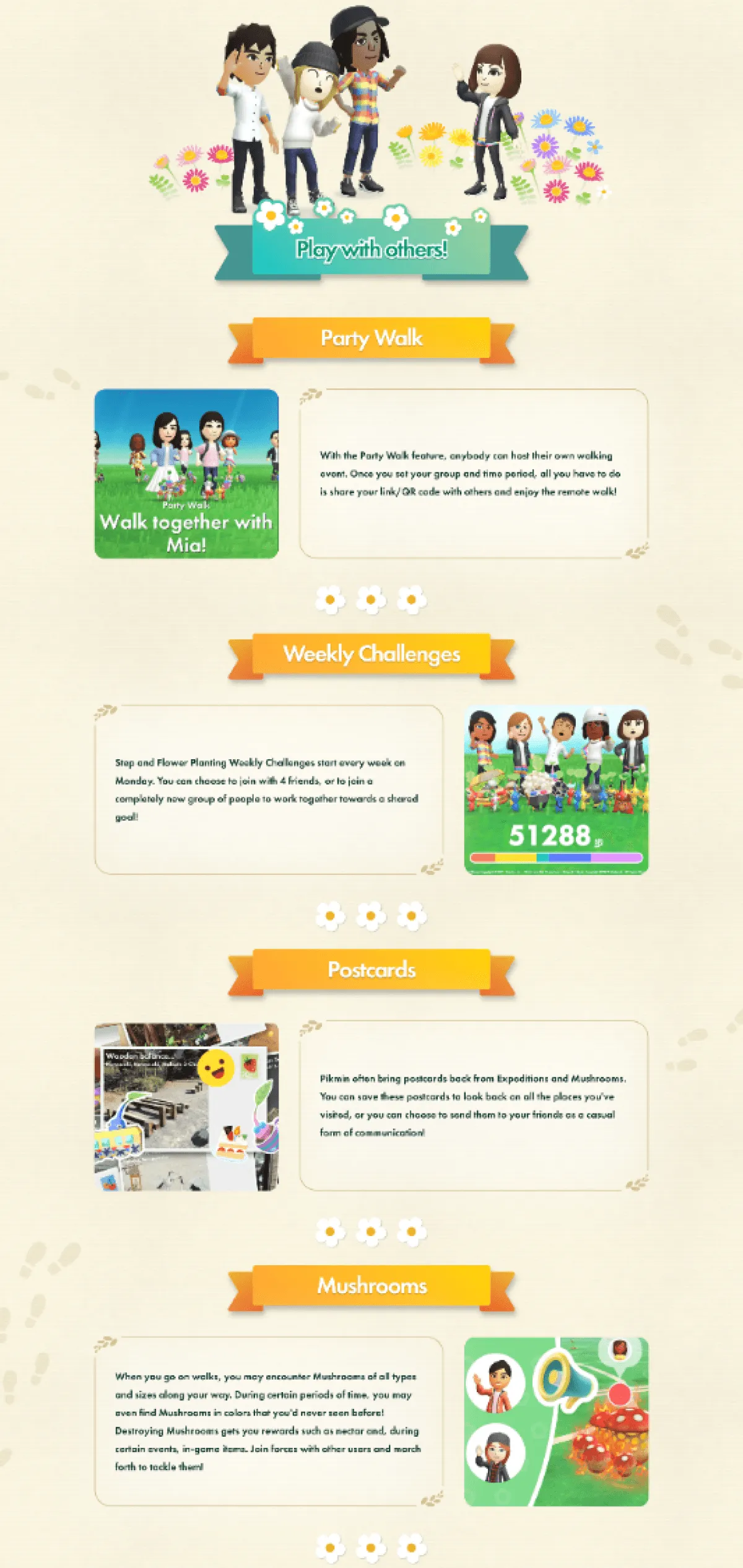
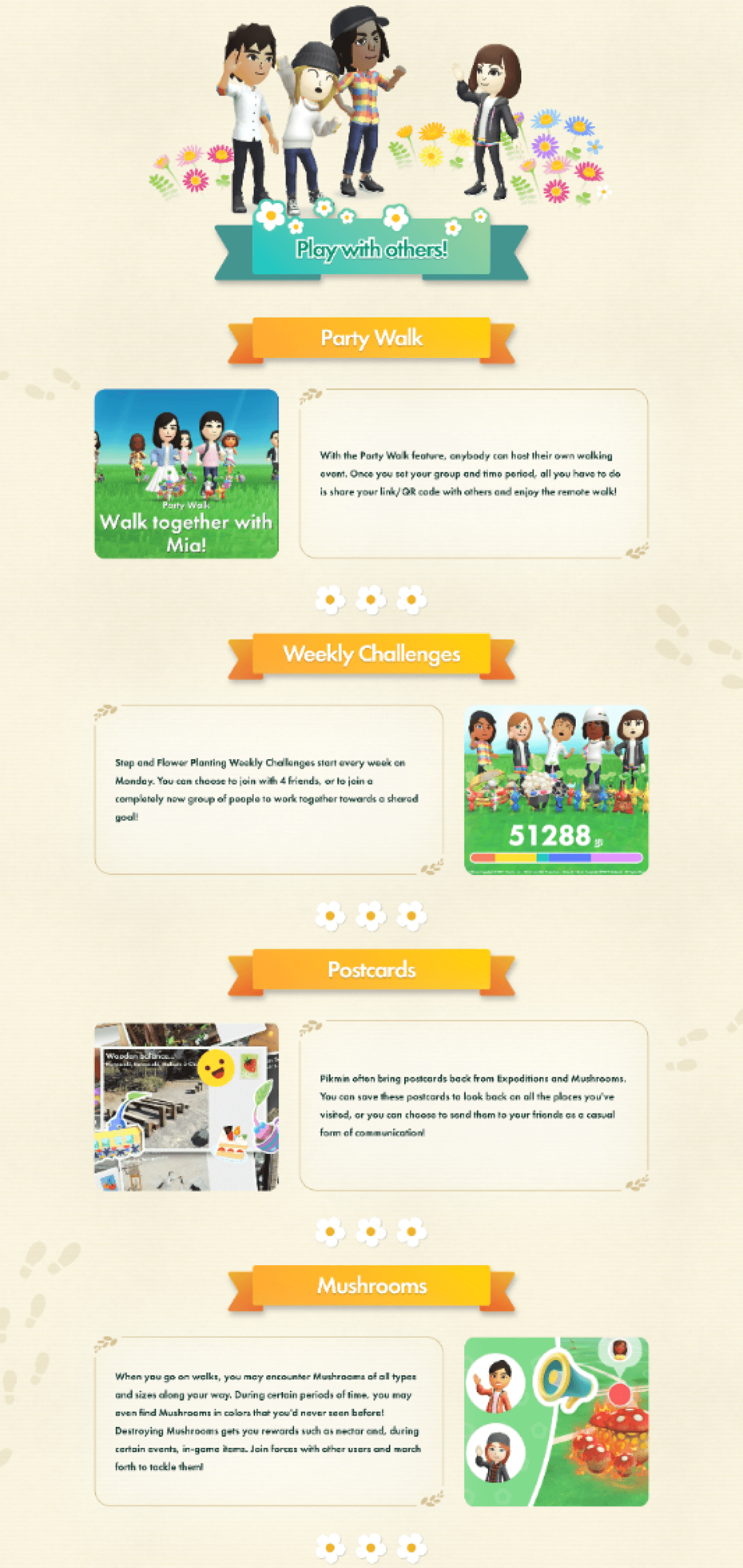
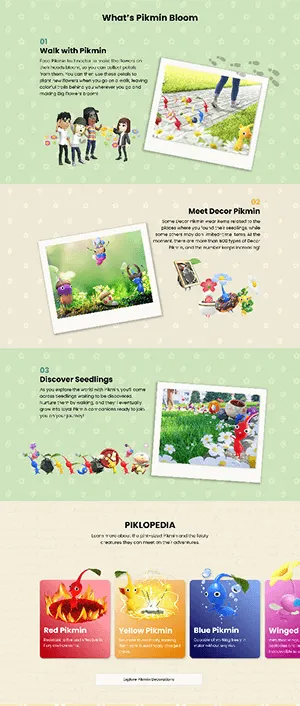
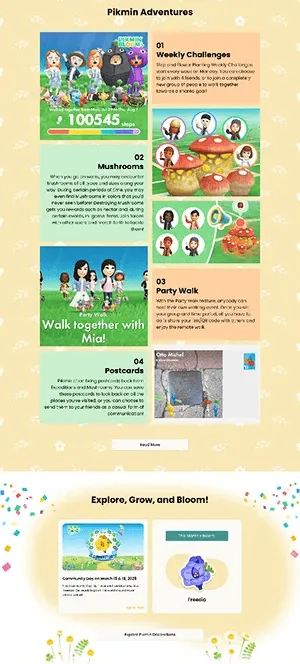
The Pikmin Adventures section presents multiple features at once without clear prioritization. This makes it difficult for users to compare options and decide where to focus their attention.

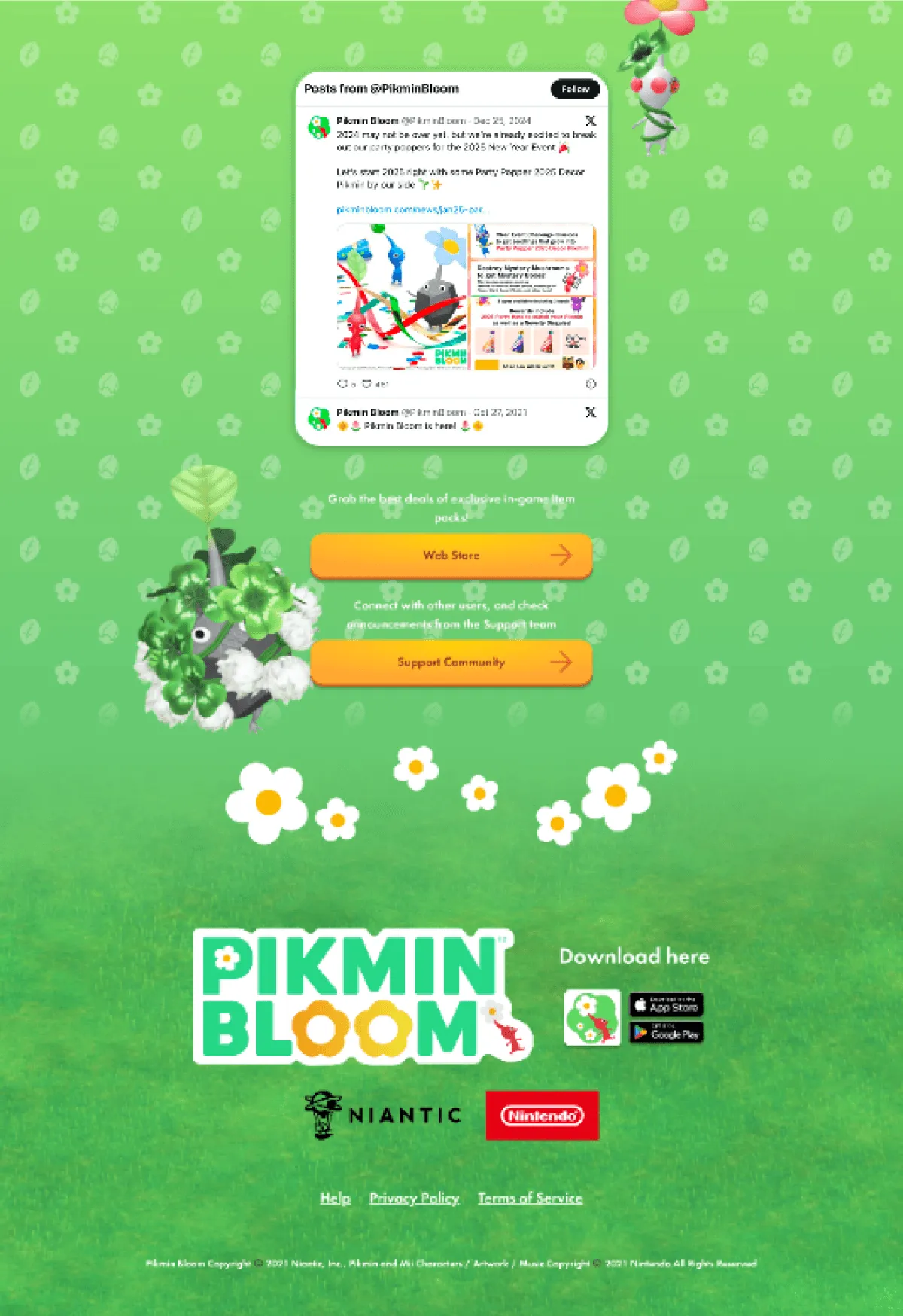
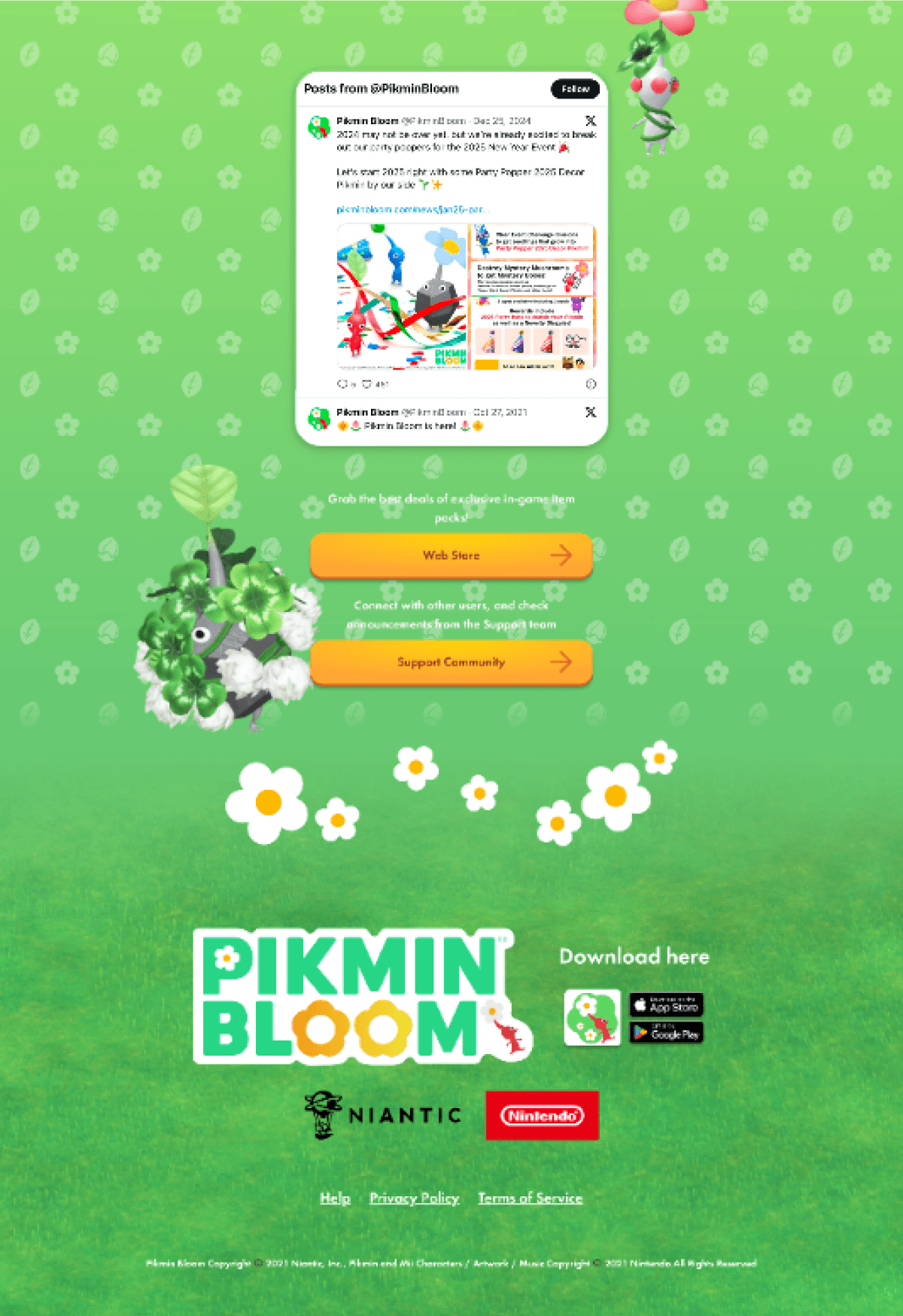
The community and support section combines social content, promotions, and help resources in one area. This blurs user intent and makes it unclear whether the goal is engagement, support, or conversion.

The community and support section combines social content, promotions, and help resources in one area. This blurs user intent and makes it unclear whether the goal is engagement, support, or conversion.

Although visually rich, the feature introduction section lacks a clear hierarchy, making it difficult for users to quickly grasp key information. Key information is hidden behind expandable boxes, slowing down users’ ability to understand the product at a glance.

Content relies heavily on interaction (e.g., expandable elements), increasing effort and reducing scannability.

The Pikmin Adventures section presents multiple features at once without clear prioritization. This makes it difficult for users to compare options and decide where to focus their attention.

The community and support section combines social content, promotions, and help resources in one area. This blurs user intent and makes it unclear whether the goal is engagement, support, or conversion.

Seasonal content and news appear before the product explanation. This introduces information before users understand the product, causing confusion for first-time visitors.

The Pikmin Adventures section presents multiple features at once without clear prioritization. This makes it difficult for users to compare options and decide where to focus their attention.

Design Direction

Based on the issues identified in the current state analysis, I defined a clear design direction to improve content clarity, hierarchy, and user flow. This direction guided layout, grid structure, and visual consistency, shaping the overall interface design.

Grid System

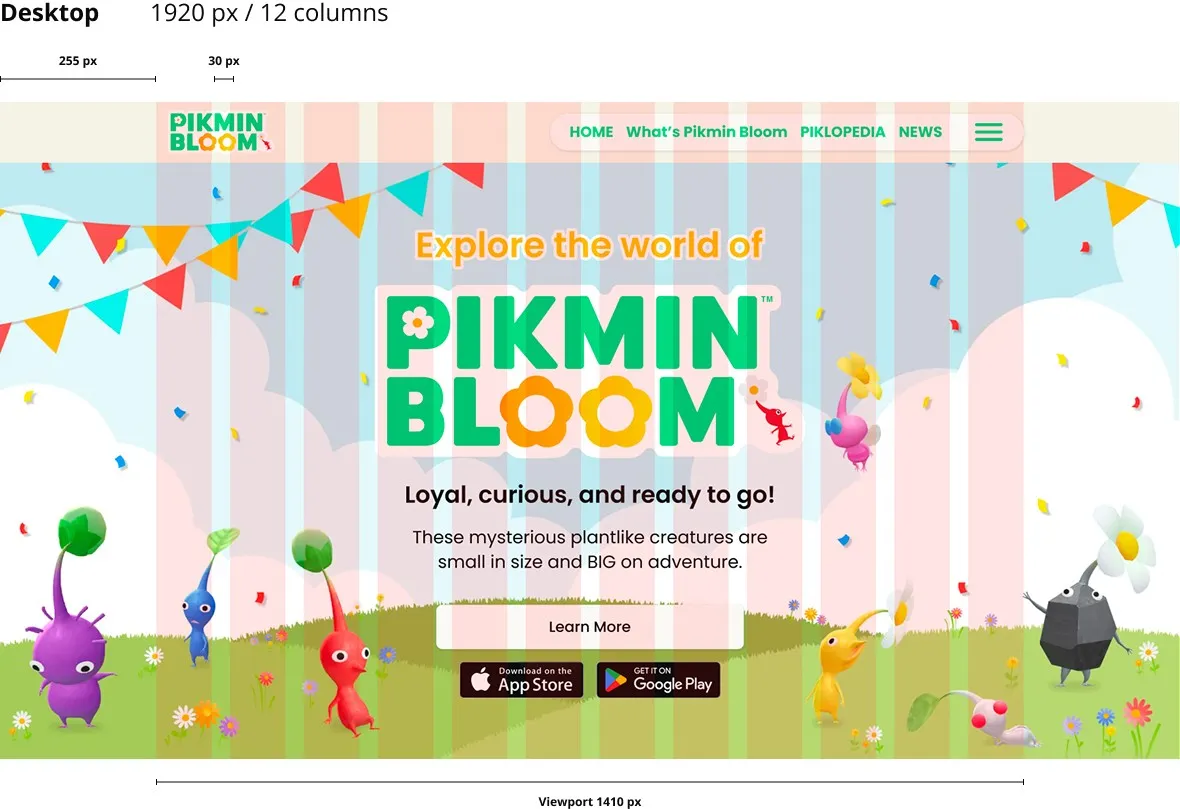
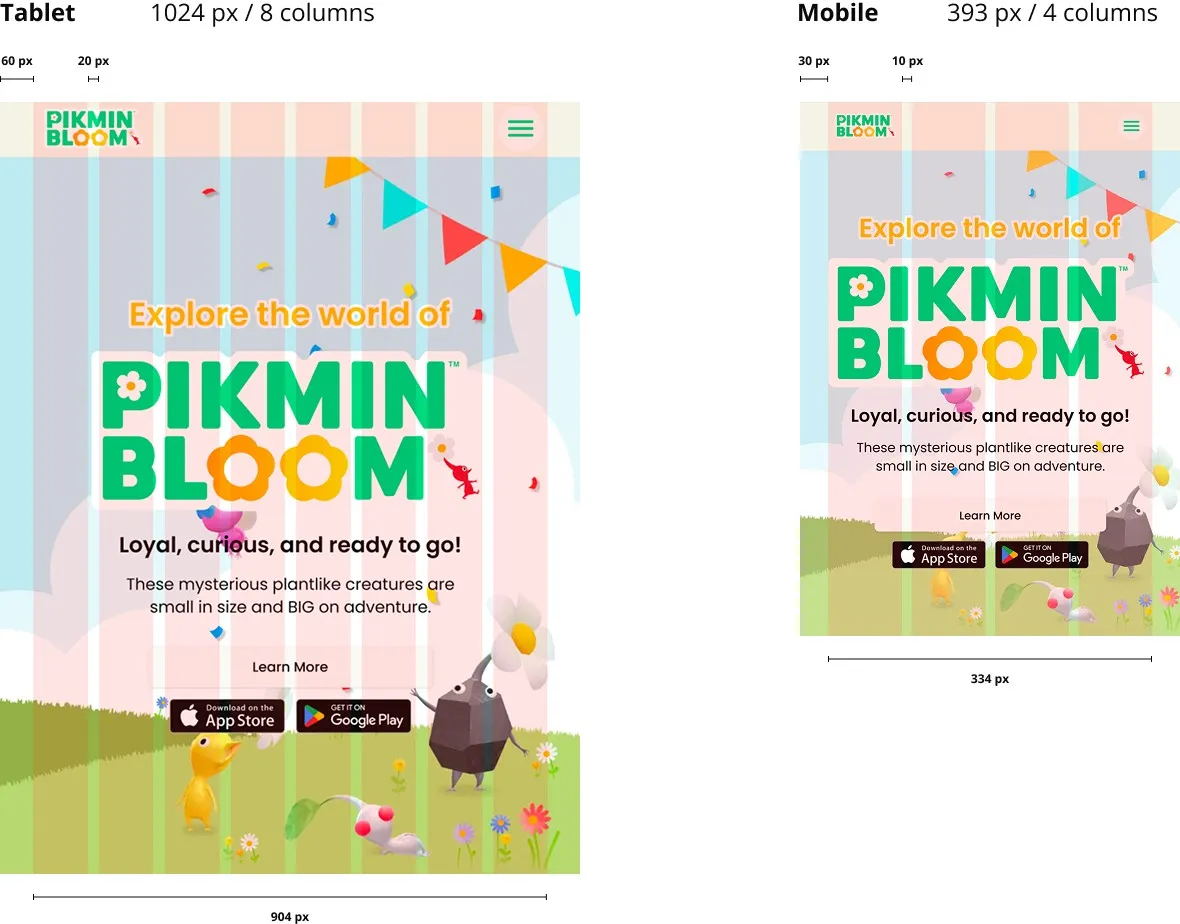
To address clarity and hierarchy issues, I designed a responsive grid system for mobile, tablet, and desktop. The grid establishes a consistent structure that improves content alignment, enhances scannability, and supports a clear visual hierarchy across devices.
Layout Decision

This section outlines how the grid system was applied to key sections of the page to improve clarity, content hierarchy, and user flow across devices.

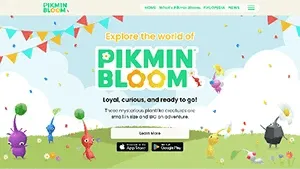
The hero section was redesigned to clearly communicate what Pikmin Bloom is and what users can do. A clearer visual hierarchy and concise messaging help first-time visitors quickly understand the product’s core value and available actions.

Key features were reorganized to strengthen information hierarchy and reduce reliance on expandable elements. This makes content easier to scan and helps users understand features more quickly.

Seasonal content and news were moved below the core product introduction. This ensures users understand the product first before encountering time-based updates, reducing confusion and information overload.

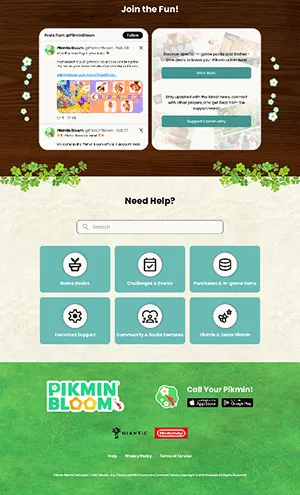
The community and support section was reorganized to separate engagement, support, and promotional content. This clarifies user intent and reduces confusion between exploration and help-related actions.

The community and support section combines social content, promotions, and help resources in one area. This blurs user intent and makes it unclear whether the goal is engagement, support, or conversion.

The hero section was redesigned to clearly communicate what Pikmin Bloom is and what users can do. A clearer visual hierarchy and concise messaging help first-time visitors quickly understand the product’s core value and available actions.

The hero section was redesigned to clearly communicate what Pikmin Bloom is and what users can do. A clearer visual hierarchy and concise messaging help first-time visitors quickly understand the product’s core value and available actions.

Key features were reorganized to strengthen information hierarchy and reduce reliance on expandable elements. This makes content easier to scan and helps users understand features more quickly.

The Pikmin Adventures section was restructured to group related activities and clarify feature priorities. This helps users compare options more easily and decide where to focus.

The community and support section was reorganized to separate engagement, support, and promotional content. This clarifies user intent and reduces confusion between exploration and help-related actions.

Seasonal content and news were moved below the core product introduction. This ensures users understand the product first before encountering time-based updates, reducing confusion and information overload.

The Pikmin Adventures section presents multiple features at once without clear prioritization. This makes it difficult for users to compare options and decide where to focus their attention.

These layout decisions created a scalable foundation for the redesigned experience.

Responsive Design

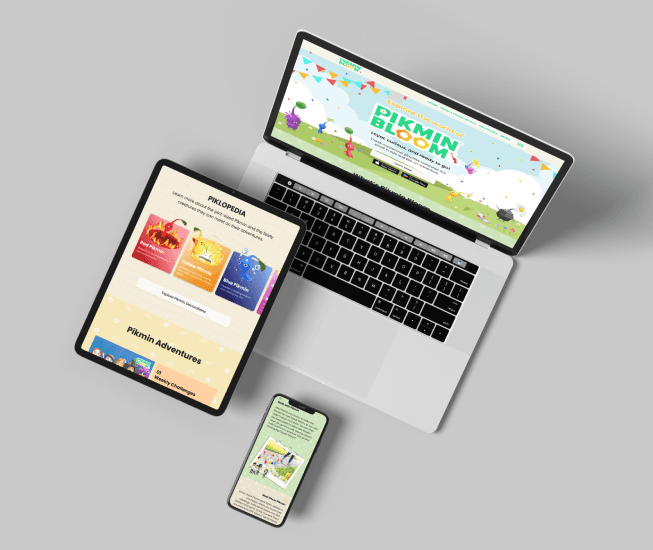
This section demonstrates how the redesigned layout adapts across desktop, tablet, and mobile. Content hierarchy, spacing, and layout were adjusted for each screen size to maintain clarity and consistency.